This guide will walk you through installing the Linneo CANbus XT30 / FEP wiring harness. This harness is designed for those people that want a simple upgrade path for their Voron 2.4 and Trident printers and intend on using the Mellow SB2040 CANbus toolhead board and plan on retaining their cable chains. Please read through our CANbus guide for additional information on CANbus.
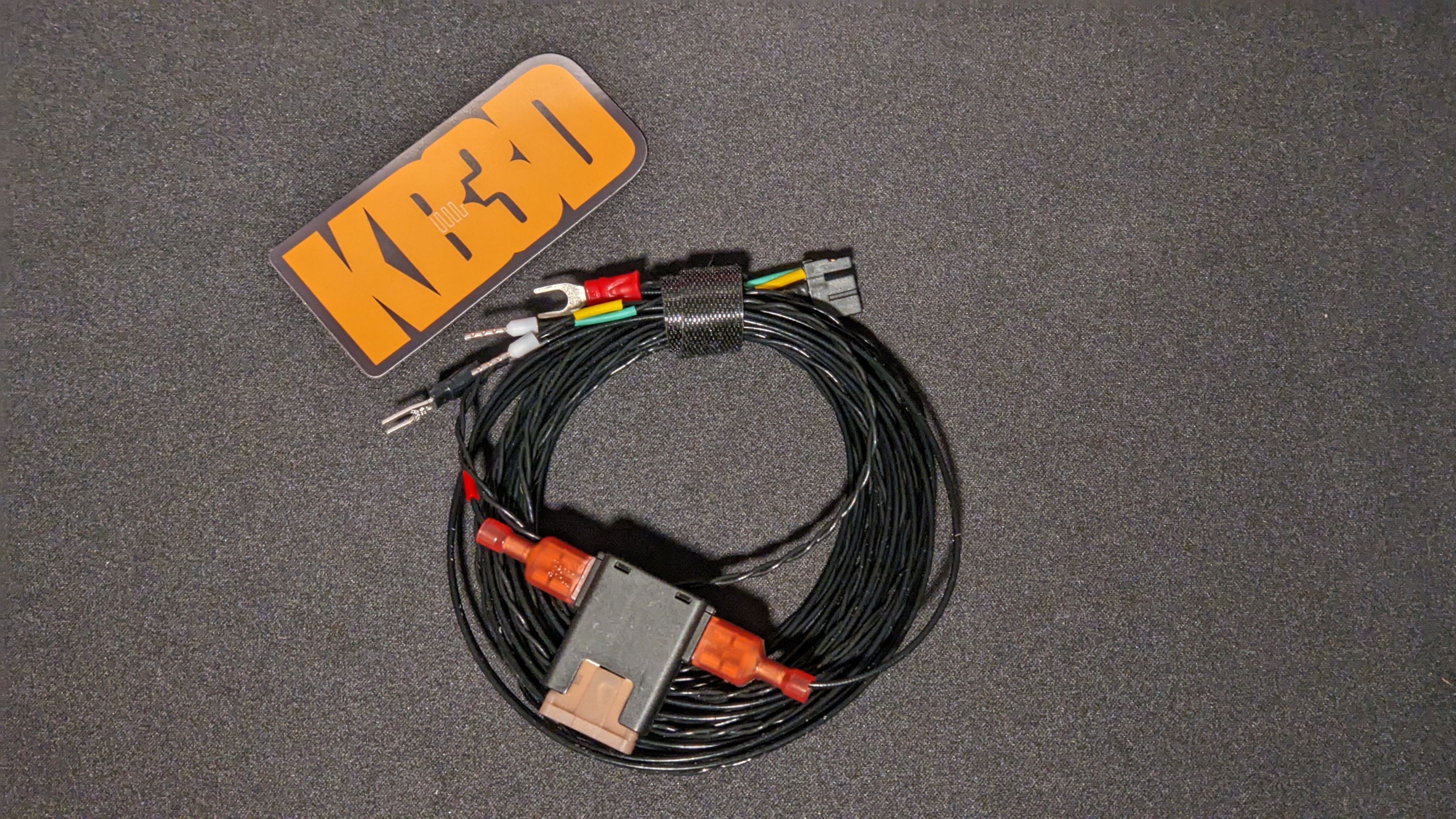
If you are upgrading your printer with this harness, the first step on installing this harness is to remove your existing toolhead wiring. You will retain your existing X/Y endstop pod, so ensure you leave those wires in place. If you are using this harness for a new build, please check out our CANbus configurator to find the other wiring needed for your build.
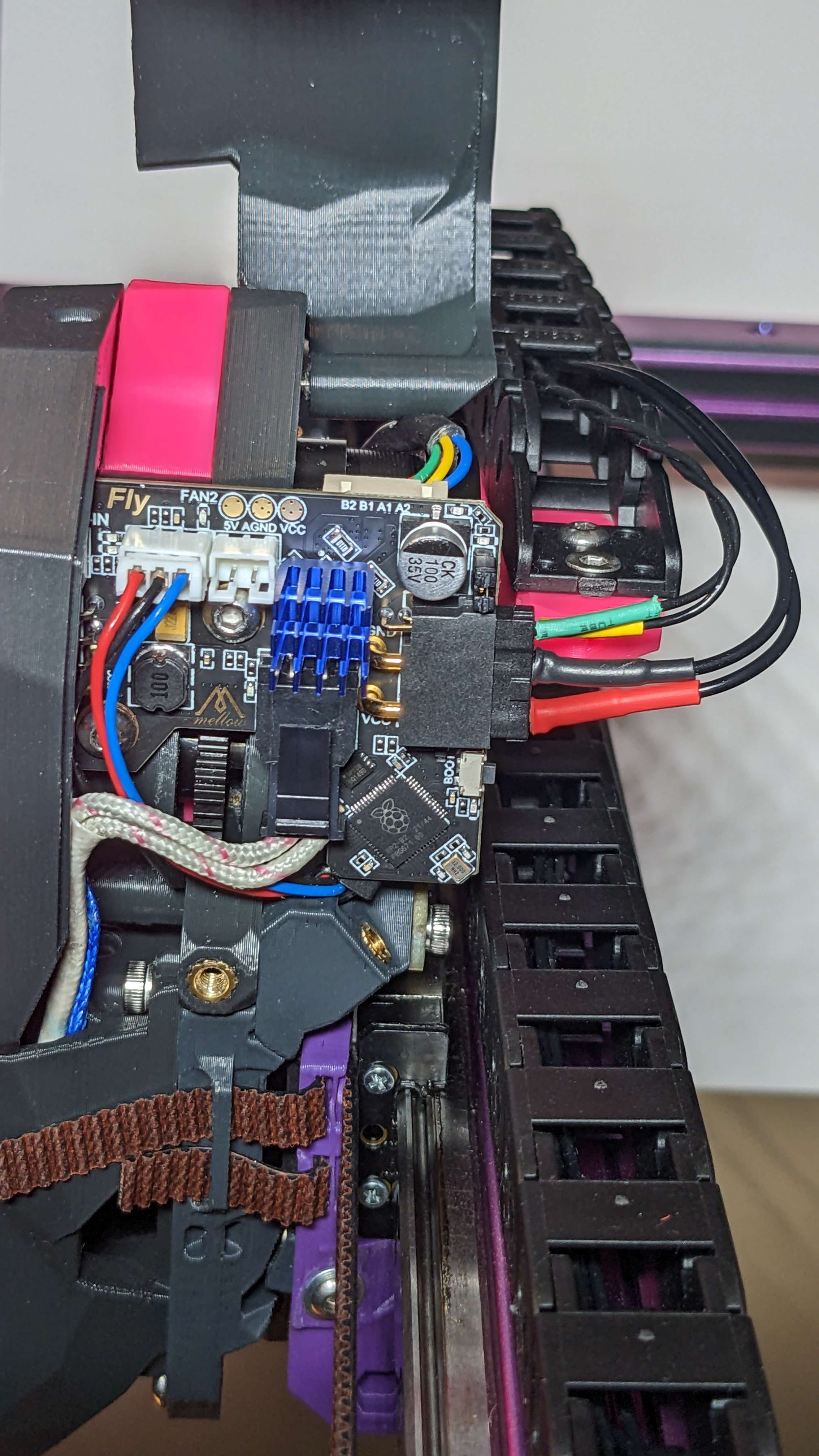
We recommend connecting the toolhead side first, then running the wires through your cable chains. Removing the spade terminal from the built-in Fuse block makes running the harness through the cable channels much easier. Our SB2040 guide will walk you through the wiring and configuration of your SB2040.
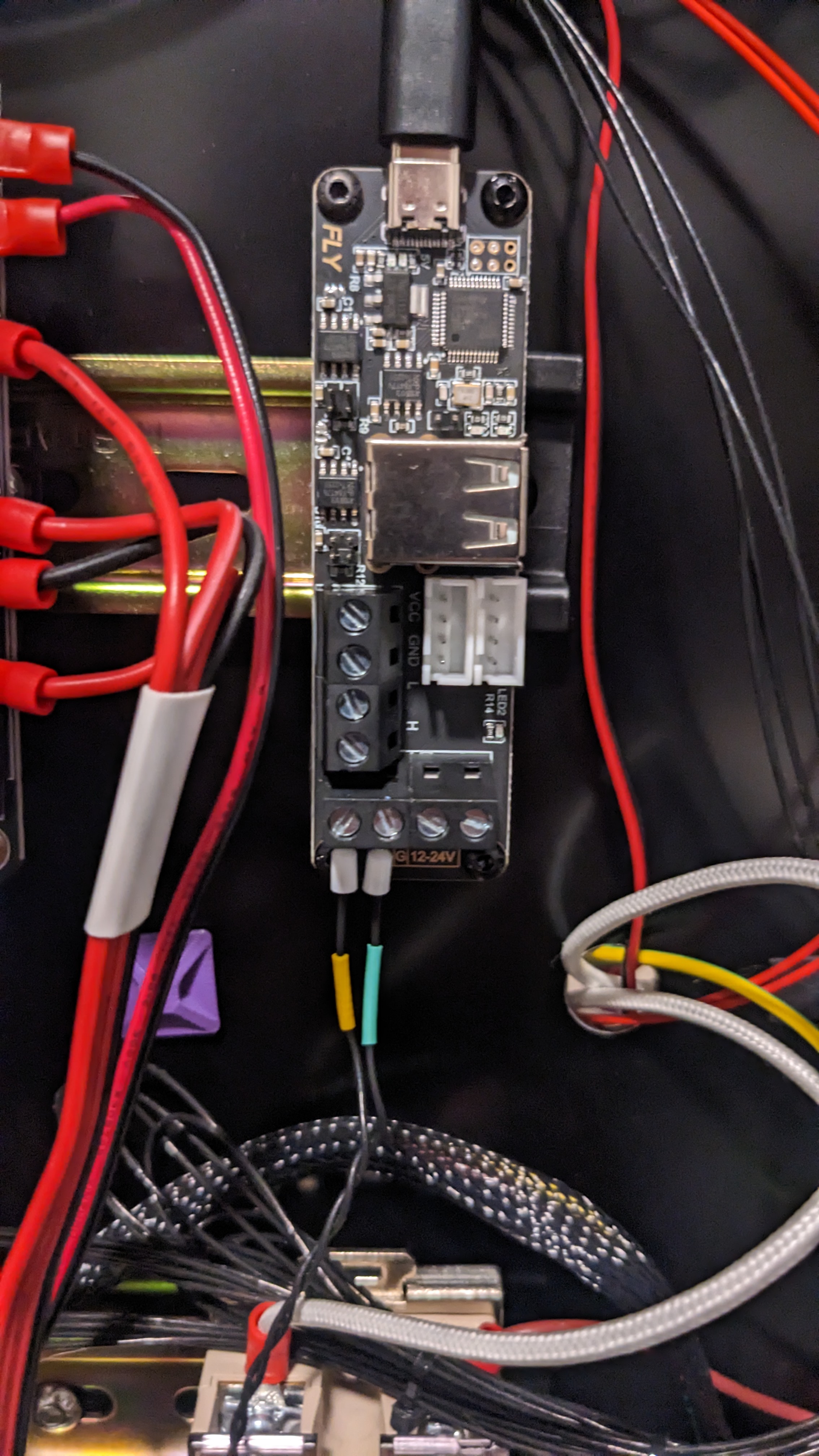
This harness uses ferrule connectors in the terminal connections on the UTOC-3 to provide CAN high and CAN low. Our Mellow UTOC-3 guide will walk you through the wiring and configuration of your Mellow UTOC-3.
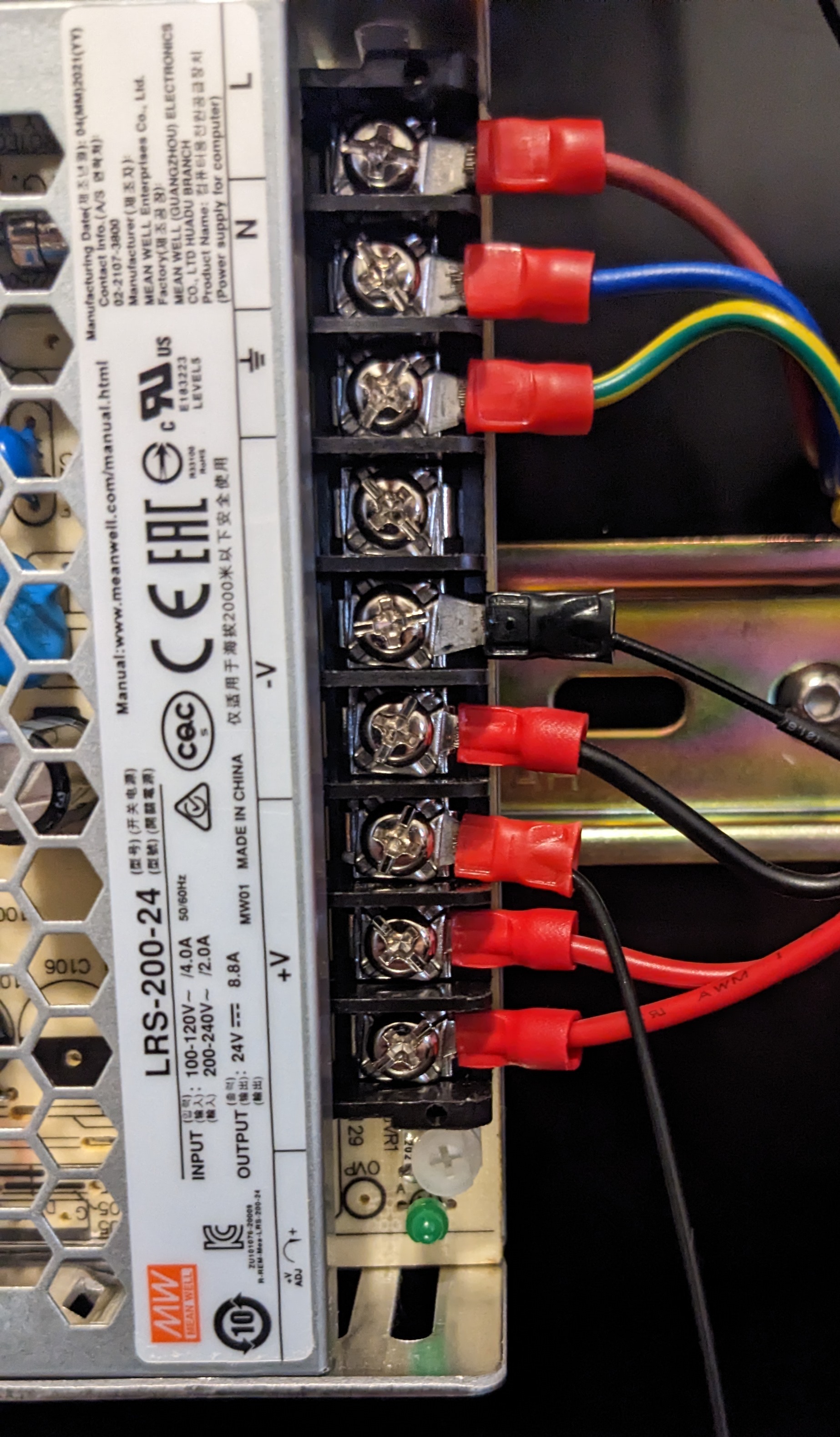
For +24V and Ground, you connect directly to your 24V PSU using the Spade terminals. If you removed the in-line fuse before, please ensure you reconnect it before attaching to your PSU.
And that's it, now you can move on to configuring your CAN devices.